
How to Merge PDF Files Privately in Your Browser
A practical look at browser-side PDF processing, why privacy matters, and how simple PDF tasks can happen without sending files to a backend server.
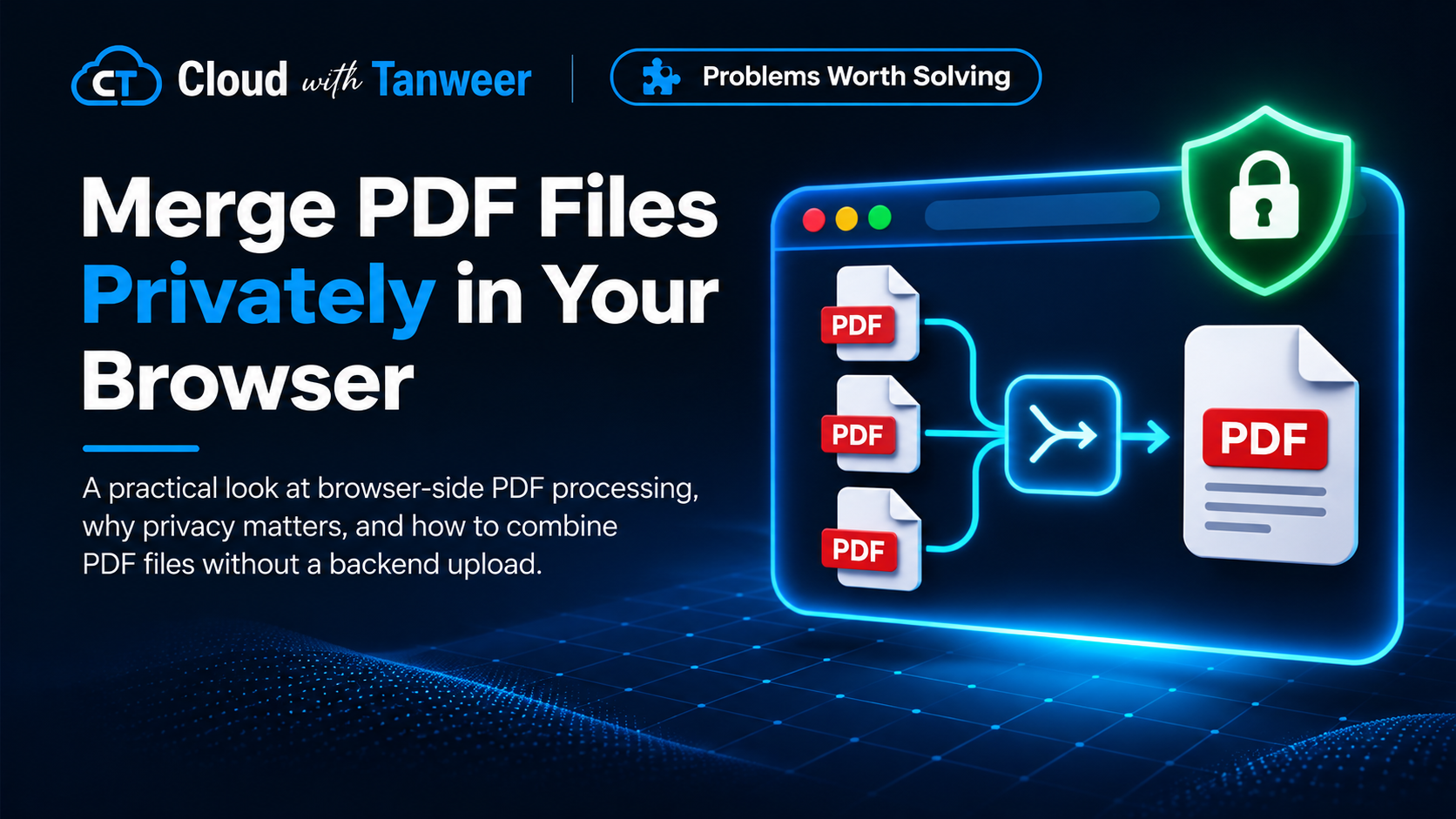
How to Merge PDF Files Privately in Your Browser
PDF files are everywhere.
Invoices, reports, forms, resumes, bills, scanned documents, quotations and project files often end up in PDF format.
And one of the most common tasks is simple:
Combine multiple PDF files into one document.
Usually, we search for an online PDF merger, select our documents, upload them, wait for processing and download the final file.
That works.
But there is one question many users never ask:
Where are those PDF files actually going?
If the document contains business information, customer details, financial records or internal company data, uploading it to an unknown server may not always be the best option.
That is where browser-based PDF processing becomes interesting.
How Traditional Online PDF Tools Work
A typical online PDF service may follow a flow similar to this:
- You select a PDF file from your computer.
- The browser uploads the file to the provider's server.
- The server processes the document.
- The processed file is sent back to you.
- The provider may later delete the uploaded document according to its retention policy.
There is nothing inherently wrong with this architecture.
Many established PDF platforms use strong security controls.
But from a privacy perspective, one important thing still happens:
Your document leaves your device.
For public or non-sensitive files, that may be perfectly acceptable.
For confidential or business documents, some users may prefer another approach.
What Is Browser-Based PDF Processing?
Modern web browsers are capable of doing much more than displaying websites.
JavaScript running inside the browser can perform several document operations, including:
- reading PDF files
- copying PDF pages
- rotating pages
- removing pages
- reorganizing pages
- generating new PDFs
- rendering PDF pages as images
That means some PDF operations can happen directly on the user's device.
The flow can look like this:
Your PDF
   ↓
Browser memory
   ↓
Local processing
   ↓
New PDF
   ↓
Download
Instead of:
Your PDF
   ↓
Upload to remote server
   ↓
Server processing
   ↓
Download from server
For simple operations, avoiding an unnecessary server upload can be a meaningful privacy improvement.
How PDF Merging Works in the Browser
Suppose we have three PDF files:
invoice.pdf
quotation.pdf
terms.pdf
And we want to create:
complete-document.pdf
A browser-based PDF merger can:
- Read each PDF locally.
- Load the PDF structure into browser memory.
- Copy pages from every selected document.
- Add those pages to a new PDF.
- Generate the final PDF.
- Trigger a browser download.
No separate desktop application is required.
And for this kind of operation, a backend server may not be required either.
A Simple JavaScript Example
One useful open-source JavaScript library for manipulating PDF files is pdf-lib.
A simplified PDF merge flow looks like this:
const mergedPdf = await PDFDocument.create();

for (const file of selectedFiles) {

  const bytes = await file.arrayBuffer();

  const sourcePdf = await PDFDocument.load(bytes);

  const pages = await mergedPdf.copyPages(
    sourcePdf,
    sourcePdf.getPageIndices()
  );

  pages.forEach(page => {
    mergedPdf.addPage(page);
  });
}

const finalPdf = await mergedPdf.save();
The important part is that the selected file can be read through the browser's File API.
The pages are copied into a new PDF inside the browser.
Once processing is finished, the output can be converted into a Blob and downloaded:
const blob = new Blob(
  [finalPdf],
  {
    type: "application/pdf"
  }
);

const url = URL.createObjectURL(blob);
For a basic merge operation, the workflow can remain entirely inside the browser.
Why This Matters for Privacy
Consider the kinds of documents people regularly work with:
- customer invoices
- internal reports
- tax documents
- bank statements
- quotations
- contracts
- employee records
- financial documents
- business forms
If the operation can happen locally, there may be no technical reason to send the document somewhere else.
That does not automatically mean every browser-based tool is completely private.
There are still things users should understand.
For example:
- the website may load JavaScript libraries from third-party CDNs
- browser extensions can access page activity depending on permissions
- compromised devices can still expose information
- malicious JavaScript could theoretically transmit data
So rather than trusting a marketing statement such as:
"100% private"
a better question is:
How is the document actually being processed?
That is a much more useful security question.
More Than Just Merging PDFs
Once PDF manipulation happens in the browser, several useful tools become possible.
Merge PDF
Combine multiple PDF documents into one file.
Split PDF
Separate a multi-page PDF into individual PDF pages.
Rotate PDF
Rotate PDF pages by 90°, 180° or 270°.
Remove Pages
Delete unwanted pages and generate a new PDF.
Reorder Pages
Create a new PDF using a different page order.
Images to PDF
Convert JPG and PNG images into a PDF document.
PDF to Images
Render PDF pages as PNG images.
These are all relatively lightweight operations that can be suitable for client-side processing.
The Nanobricks PDF Tools Experiment
I recently built a free browser-based PDF utility under Nanobricks.
The current version supports:
- Merge PDF
- Split PDF
- Rotate PDF
- Remove PDF pages
- Reorder PDF pages
- JPG/PNG to PDF
- PDF to PNG
The current implementation performs these document operations using JavaScript in the browser rather than sending selected files to a Nanobricks backend for processing.
You can try it here:
No Nanobricks account is required.
Why Build This Instead of Using a Backend?
A backend is useful when the application genuinely needs it.
For example, advanced PDF features may require:
- OCR
- advanced compression
- digital signing
- document redaction
- Office file conversion
- complex PDF editing
- large-scale batch processing
- enterprise workflow integration
Those use cases may benefit from dedicated infrastructure.
But for basic PDF operations, adding a backend can introduce additional considerations:
- file uploads
- temporary storage
- retention policies
- encryption controls
- authentication
- access controls
- data deletion
- compliance requirements
- additional infrastructure cost
If the browser can already perform the operation reliably, keeping the processing local can simplify the architecture considerably.
Client-Side Processing Is Not Always the Answer
It is important not to treat browser-side processing as automatically superior.
There are trade-offs.
Large files can consume significant browser memory.
Older devices may process documents slowly.
Some complex PDF formats may not behave perfectly.
Very advanced PDF capabilities may simply be better suited to server-side software.
The right architecture depends on the problem.
The goal should not be:
"Everything must run in the browser."
The better principle is:
Do not move data unless the task actually requires it.
A Useful Security Principle
This idea goes beyond PDFs.
Security is often improved by reducing unnecessary data movement.
Every time data is:
- collected
- transferred
- copied
- stored
- logged
- backed up
another place exists where that data must be protected.
Reducing those unnecessary steps can reduce risk.
So a simple browser-based PDF merger demonstrates a broader security principle:
Collect less. Transfer less. Store less.
The less sensitive data your system handles, the less sensitive data you have to protect.
Final Thoughts
Building this small PDF utility reminded me that not every useful application needs a complex backend architecture.
Sometimes the browser already has everything required to solve the problem.
For simple PDF operations, local browser processing can provide:
- a straightforward user experience
- less infrastructure
- fewer document uploads
- no account requirement
- better privacy characteristics
The important part is understanding where the data goes.
Before uploading a sensitive document to any online utility, it is worth asking one simple question:
Does this file actually need to leave my device?
Sometimes the answer is no.
And when that is the case, local processing can be a better design.
If you want to try the browser-based PDF tools I built:
This article is part of my Problems Worth Solving series, where I explore practical technology problems and simple ways to solve them.
About the author
- Hi, I'm Tanweer Ahmed 👋 I'm a Cloud Security Engineer with 7+ years of experience working across AWS, Microsoft Azure, and Google Cloud. Through Cloud with Tanweer, I write about cloud architecture, security, Infrastructure as Code, DevSecOps, AI, and the technologies shaping modern enterprise infrastructure. I focus on practical engineering perspectives — not just how technologies work, but how they should be designed, secured, governed, and used to solve real-world problems. What I write about: ☁️ Cloud Architecture & Multi-Cloud 🛡️ Cloud Security & Governance ⚙️ Terraform & Infrastructure as Code 🔐 IAM & Zero Trust 🚀 DevSecOps & Automation 🤖 AI + Cloud Engineering 🏙️ Technology & real-world engineering problems I'm currently publishing the Future of Cloud Series, exploring how cloud, security, automation, and AI are changing the role of modern cloud engineers and architects. 🌐 Portfolio: tanweerahmed.in 💼 LinkedIn: linkedin.com/in/shaik-tanweer-ahmed 💻 GitHub: github.com/shaiktanweer5
Comments
Join the discussionNo comments yet. Be the first to comment.